
Keynotes and resources for inclusive learning
For the second year, the organisers of the Autism and SEN Show Africa are partnering with the Rix Inclusive Research Institute at the University of East London to explore how technology can support more inclusive teaching and learning.
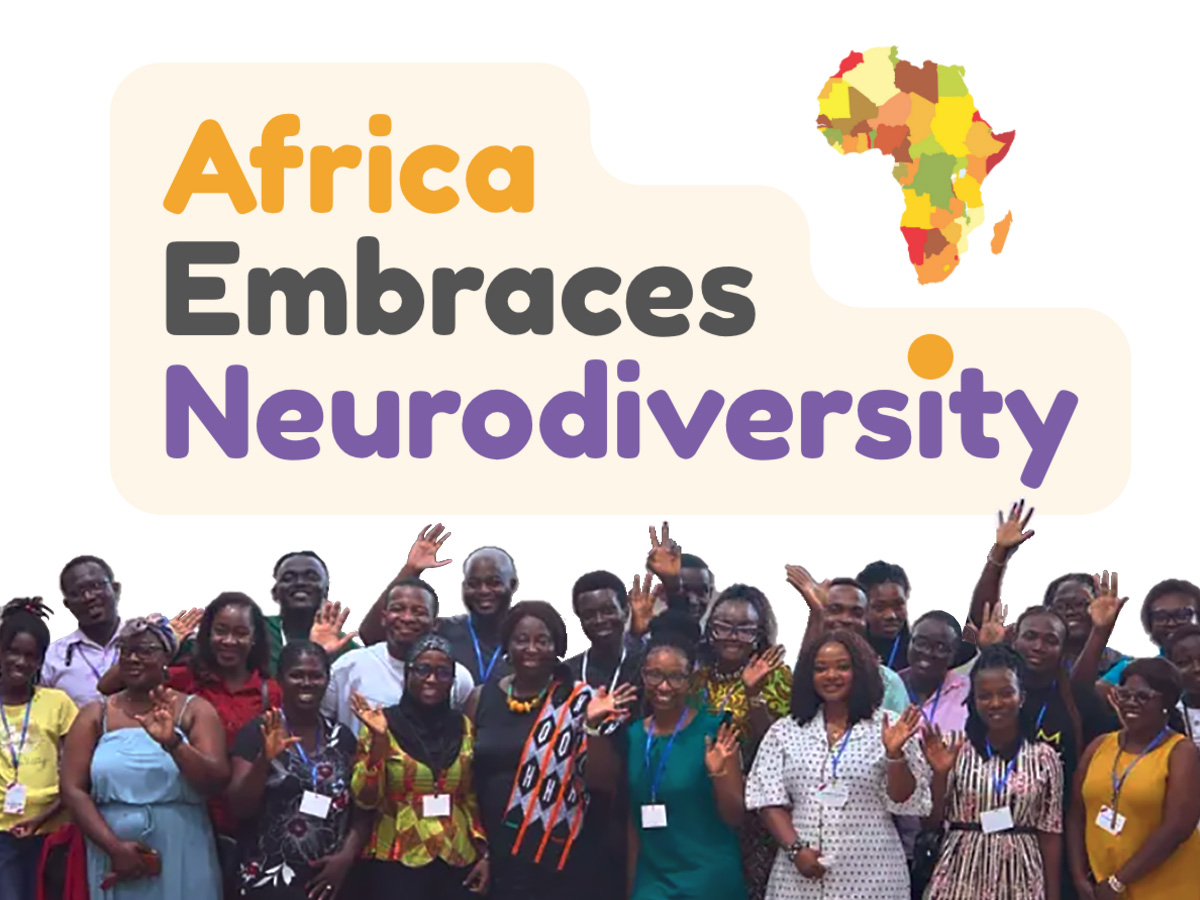
The 2026 show brings together parents, carers, educators, health and social care professionals, and advocates from across Africa. The event takes place at Google Accra in Accra, Ghana, and online from 11 to 13 November, with an online-only programme on 14 November.
Event programme and information

RIX’s involvement reflects our commitment to international collaboration that advances the rights, participation and opportunities of disabled and neurodivergent people.
Two complementary keynote addresses
Being the best version of yourself
Craig Wilkie — technology and ADHD
Craig explores getting started, managing attention and being understood. Drawing on his educational and personal experience, he considers practical ways to organise ideas, structure tasks and adapt learning environments, with students as partners in identifying what helps.
Gosia Kwiatkowska — student voice, multimedia advocacy and inclusive learning
Gosia asks what happens when a student becomes ‘stuck’ and how teachers can create a meaningful route forward. Her keynote connects person-centred and student-centred practice with multimedia advocacy, Universal Design for Learning and Test, and colleagues’ self-advocacy framework. It then focuses on dyslexia, with a conversation and technology demonstrations involving Kathryn Stowell.
Recordings and presentation materials
Recording links and presentation materials will be shared through the event organisers as they become available.
This guide brings together resources for both keynotes and additional dyslexia software to explore.
Resources for the ADHD keynote
The tools below cover the areas discussed by Gosia and Craig. Their usefulness depends on the learner, the task and the support available. Some offer free access or versions, while others require payment or an institutional licence.
Breaks and time
Practical starting point: Set reminders to pause, move or rest. Check device compatibility and agree reminders with the learner.
Work sessions
Practical starting point: Try a visible timer for a manageable work period followed by a break. Adapt the timing to the individual.
Organising ideas
Practical starting point: Create a mind map to collect ideas and develop a plan before starting a task.
Mapping connections
Practical starting point: Organise ideas using linked topics, notes and images. Check any AI-generated content.
Mind maps
Practical starting point: Group key ideas and show relationships. A paper mind map is also an option.
Tracking tasks
Practical starting point: Use a small board to show what needs doing, what is underway and what is finished.
Smaller steps
Practical starting point: Use Magic ToDo to suggest smaller steps. Review the suggestions and adjust them with the student.
Capturing print
Practical starting point: Scan a handout. Optical character recognition can make text searchable; check the result for errors.
Keeping notes
Practical starting point: Collect notes, images and checklists in one place instead of relying on memory alone.
Accessing text
Practical starting point: Try read-aloud and available display options. Ask which settings help the student with the task.
Background sound
Practical starting point: Try a chosen sound environment if the student finds it useful. Quiet may work better for others.
Music choices
Practical starting point: Create music playlists. This is an optional preference tool, rather than an established ADHD intervention.
Software to explore for dyslexic learners
These additional options support access to information, written expression and study organisation. Several are built into software a school may already use. Features vary by device, version, account and language; check access before buying anything new.
Reading documents
What to try with the learner: Listen to text and try the available spacing, focus or display settings. Discuss the meaning afterwards.
Reading web pages
What to try with the learner: Use a simplified reading view and read-aloud on supported pages. Availability varies by platform and page.
Listening to files
What to try with the learner: Read supported digital files aloud. OCR options can convert images of text; feature limits depend on the plan.
Literacy support
What to try with the learner: Explore text-to-speech, dictionaries and writing supports. Available features depend on the platform and licence.
Reading and checking
What to try with the learner: Explore reading aloud, speaking spell-check and OCR tools. Check the version and licence required.
Dictating ideas
Word Dictate
Google Docs voice typing
What to try with the learner: Speak a short response, then teach the student to review and correct it. Check microphone, connection and language support.
Proofreading
What to try with the learner: Review spelling and grammar suggestions. Discuss corrections and preserve the student’s intended meaning.
Planning writing
What to try with the learner: Plan a story, explanation or essay using key words and connections before developing sentences.
Study organisation
OneNote
Google Keep
Adobe Scan
What to try with the learner: Keep instructions and accessible study materials together. Check that scanned text works with the chosen reader.
Text-to-speech reads written text aloud. Speech-to-text turns spoken ideas into writing. OCR turns an image of printed text into machine-readable text. Each addresses a different barrier.
Putting the principles into practice
Student voice and multimedia advocacy
Multimedia advocacy uses media to help people express who they are, what matters to them and what they want to change. A student might choose a photograph of successful work, record an explanation of a barrier or create an “About me” profile. A RIX Wiki is one way to bring these contributions together [1, 2].
The learner should help choose the content, who sees it and what happens next. Participation needs a listening audience and influence over decisions [3]. A digital profile becomes useful when it informs a response from the teacher or school.
Inclusive teaching and self advocacy
UDL provides a framework for designing multiple means of engagement, representation, and action and expression [4]. Teachers can keep a shared learning goal while offering accessible routes into the task and appropriate levels of challenge.
Test and colleagues identify knowledge of self, knowledge of rights, communication and leadership as components of self-advocacy [5]. Their intervention review provides preliminary evidence that these skills can be taught [6]. Students need opportunities to practise, while schools remain responsible for accessible teaching and support.
A manageable first trial
Ask the student. Identify one difficult task and what they already find helpful.
Choose a support. Try one feature against a clear learning goal. Model it and allow supported practice.
Check learning and experience. Look at what the student understands or can do, and ask about effort, confidence and preference.
Review together. Keep, adapt or replace the support. Provide a low-tech alternative where devices or connectivity are limited.
Dyslexic learners have varied profiles [7]. A meta-analysis found that text-to-speech and related read-aloud tools may support reading comprehension, although results varied [8]. Access tools should sit alongside appropriate teaching in reading and spelling. They do not guarantee better marks or remove the need for individual support.
RIX resources
RIX Wiki and multimedia advocacy
Rix Inclusive Education Toolkit and ADHD guide
RIX and UEL do not endorse third-party products. Check current features, costs, accessibility, age requirements and school permissions before use. Follow the school’s data protection arrangements, and review AI-generated content with the learner.
Academic references and further reading
The keynote draws on the following research and guidance. Product links in the resource tables lead to provider information; descriptions of features are separate from evidence of learning outcomes.
1. Watts, P., Kwiatkowska, G. and Minnion, A. (2023). Using multimedia technology to enhance self-advocacy of people with intellectual disabilities: Introducing a theoretical framework for Multimedia Advocacy. Journal of Applied Research in Intellectual Disabilities, 36(4), 739–749. https://doi.org/10.1111/jar.13107
2. Kwiatkowska, G., Minnion, A. and Finch, J. (2021). The RIX Wiki: the use of multimedia advocacy to support person-centred planning in a special needs secondary school – implications for current policy and practice. Support for Learning, 36(4), 512–531. https://doi.org/10.1111/1467-9604.12378
3. Lundy, L. (2007). Voice is not enough: conceptualising Article 12 of the United Nations Convention on the Rights of the Child. British Educational Research Journal, 33(6), 927–942. https://doi.org/10.1080/01411920701657033
4. CAST (2024). CAST Universal Design for Learning Guidelines version 3.0. https://udlguidelines.cast.org/
5. Test, D. W., Fowler, C. H., Wood, W. M., Brewer, D. M. and Eddy, S. (2005). A conceptual framework of self-advocacy for students with disabilities. Remedial and Special Education, 26(1), 43–54. https://doi.org/10.1177/07419325050260010601
6. Test, D. W., Fowler, C. H., Brewer, D. M. and Wood, W. M. (2005). A content and methodological review of self-advocacy intervention studies. Exceptional Children, 72(1), 101–125. https://doi.org/10.1177/001440290507200106
7. Carroll, J. M., Holden, C., Kirby, P., Thompson, P. A., Snowling, M. J. and the Dyslexia Delphi Panel (2025). Toward a consensus on dyslexia: findings from a Delphi study. Journal of Child Psychology and Psychiatry, 66(7), 1065–1076. https://doi.org/10.1111/jcpp.14123
8. Wood, S. G., Moxley, J. H., Tighe, E. L. and Wagner, R. K. (2018). Does use of text-to-speech and related read-aloud tools improve reading comprehension for students with reading disabilities? A meta-analysis. Journal of Learning Disabilities, 51(1), 73–84. https://doi.org/10.1177/0022219416688170
9. Cornelius-White, J. (2007). Learner-centered teacher-student relationships are effective: A meta-analysis. Review of Educational Research, 77(1), 113–143. https://doi.org/10.3102/003465430298563
10. Soderstrom, N. C. and Bjork, R. A. (2015). Learning versus performance: An integrative review. Perspectives on Psychological Science, 10(2), 176–199. https://doi.org/10.1177/1745691615569000